Your 12 requests, what we found for each, what changed, and the questions we still need answered. Every visual change has a before and after screenshot taken from the same page.
Removed from the intro. One more is in your Sanity content.
01
Labels inside the form fields
Already done
"Could we have the field labels inside the fields rather than above them?"
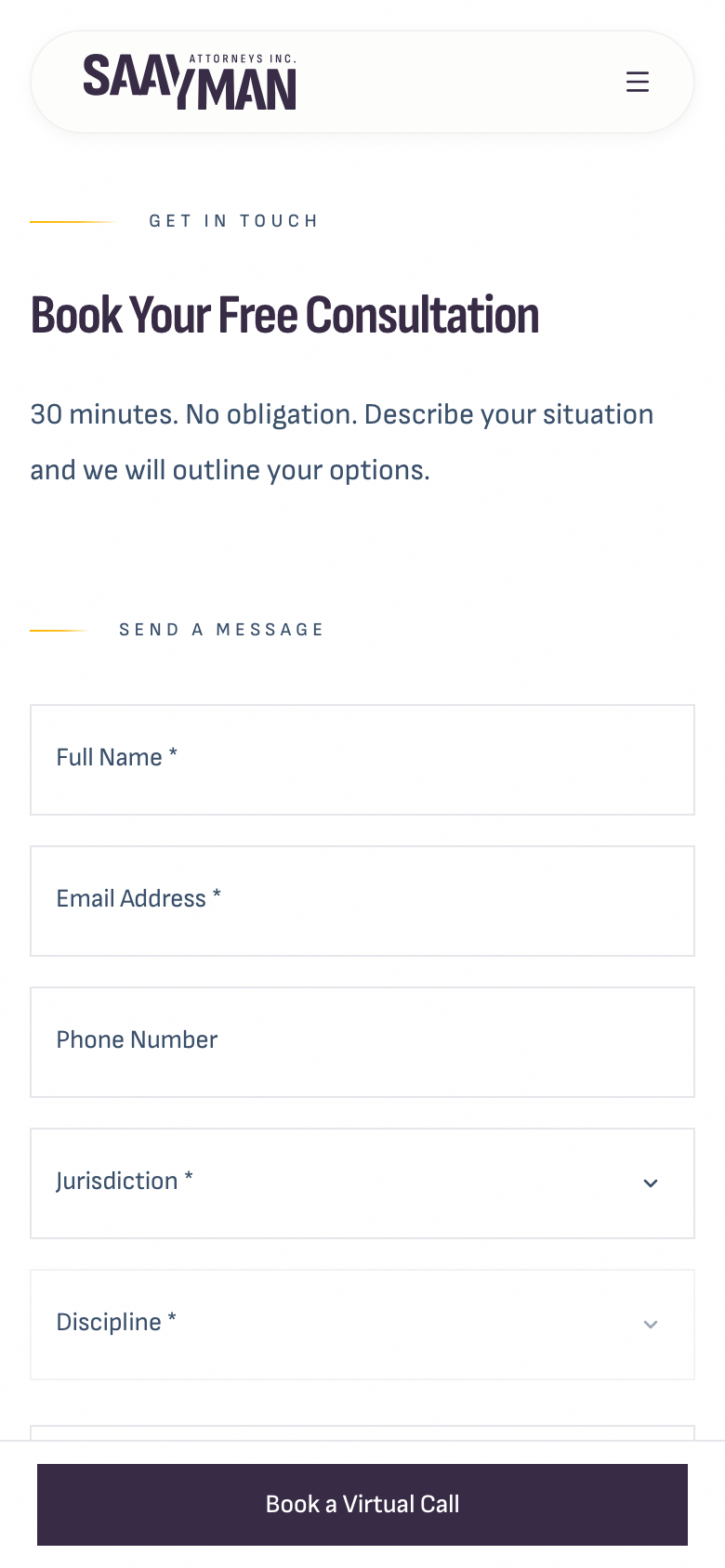
The review site already works this way. Each label sits inside its field and shrinks to the top corner when you start typing, so it stays visible. The screenshot you sent was taken on the current live site (saaymanattorneys.com), which still runs the older version with labels above the fields. That changes at launch.
Review site today, mobile
02
Virtual consultation booking
Works
"Will the booking link/iframe work once the website is live?"
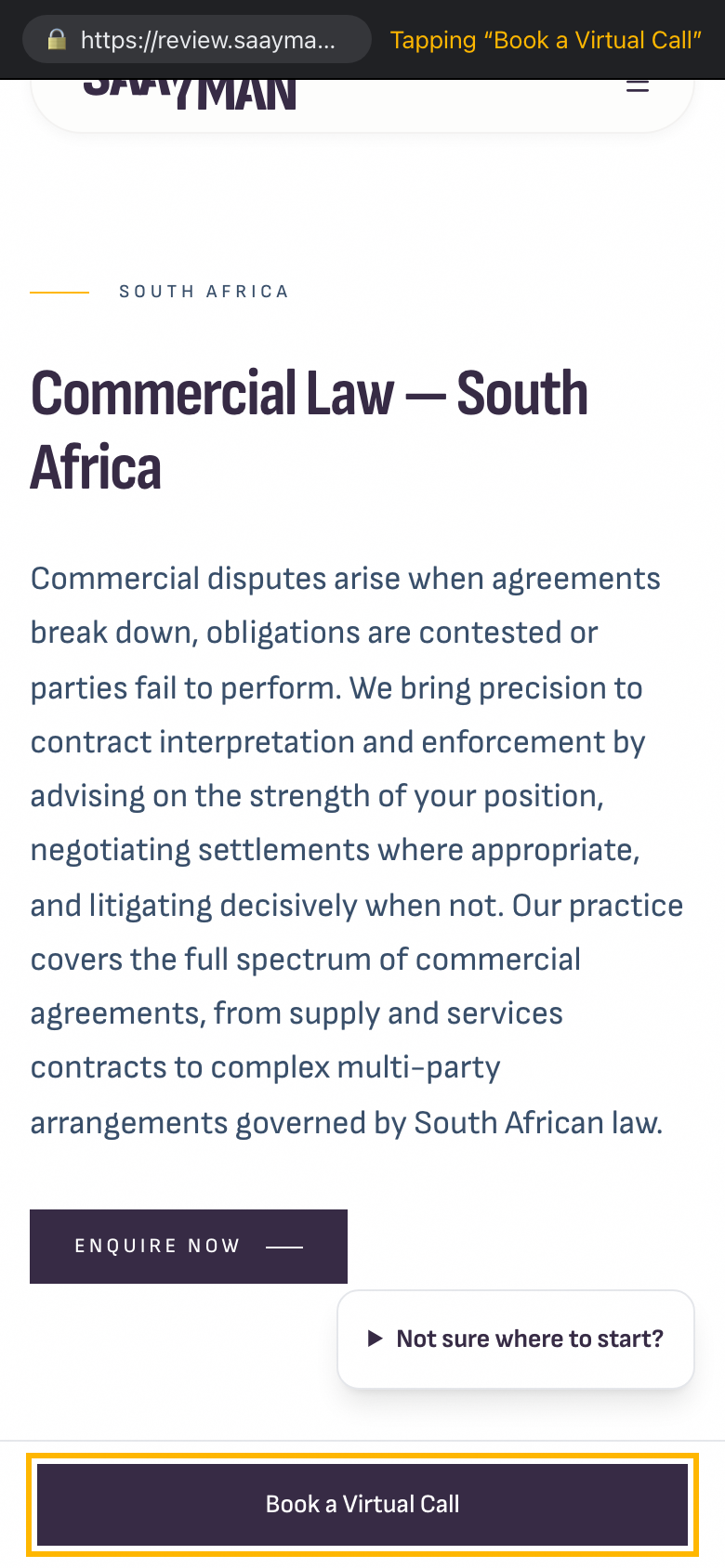
Yes. The booking link is your Microsoft Bookings page, and it's set in Sanity under Site settings → Virtual call booking URL. It opens in a new tab from two places: the "Book a Virtual Call" bar at the bottom of every page on mobile, and the screen visitors see after they submit the form. Because it's a link to Microsoft's own page, it doesn't depend on our domain and will keep working after launch.
We recommend keeping it as a link rather than an iframe. Microsoft Bookings usually stops its pages from being shown inside other websites, and its booking page is much easier to use full-screen on a phone.
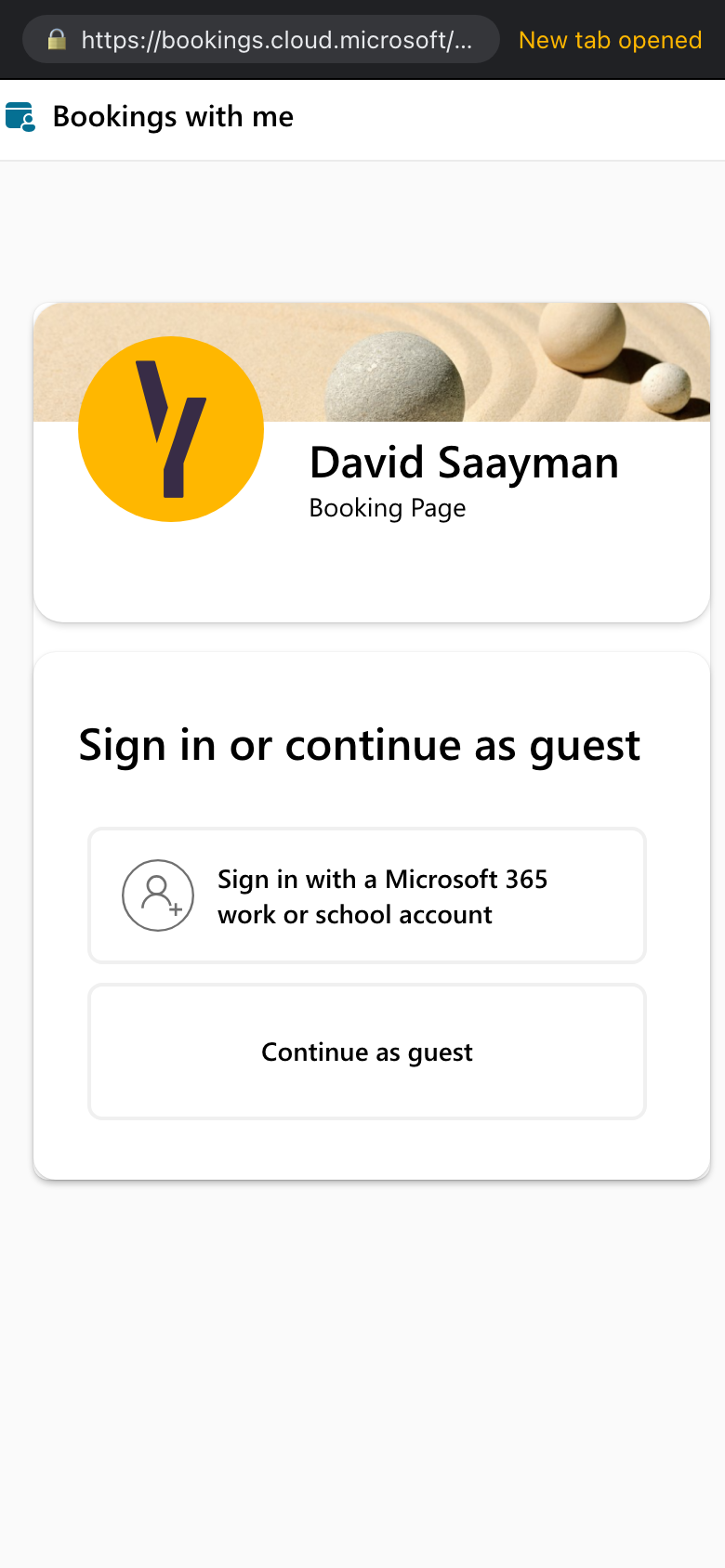
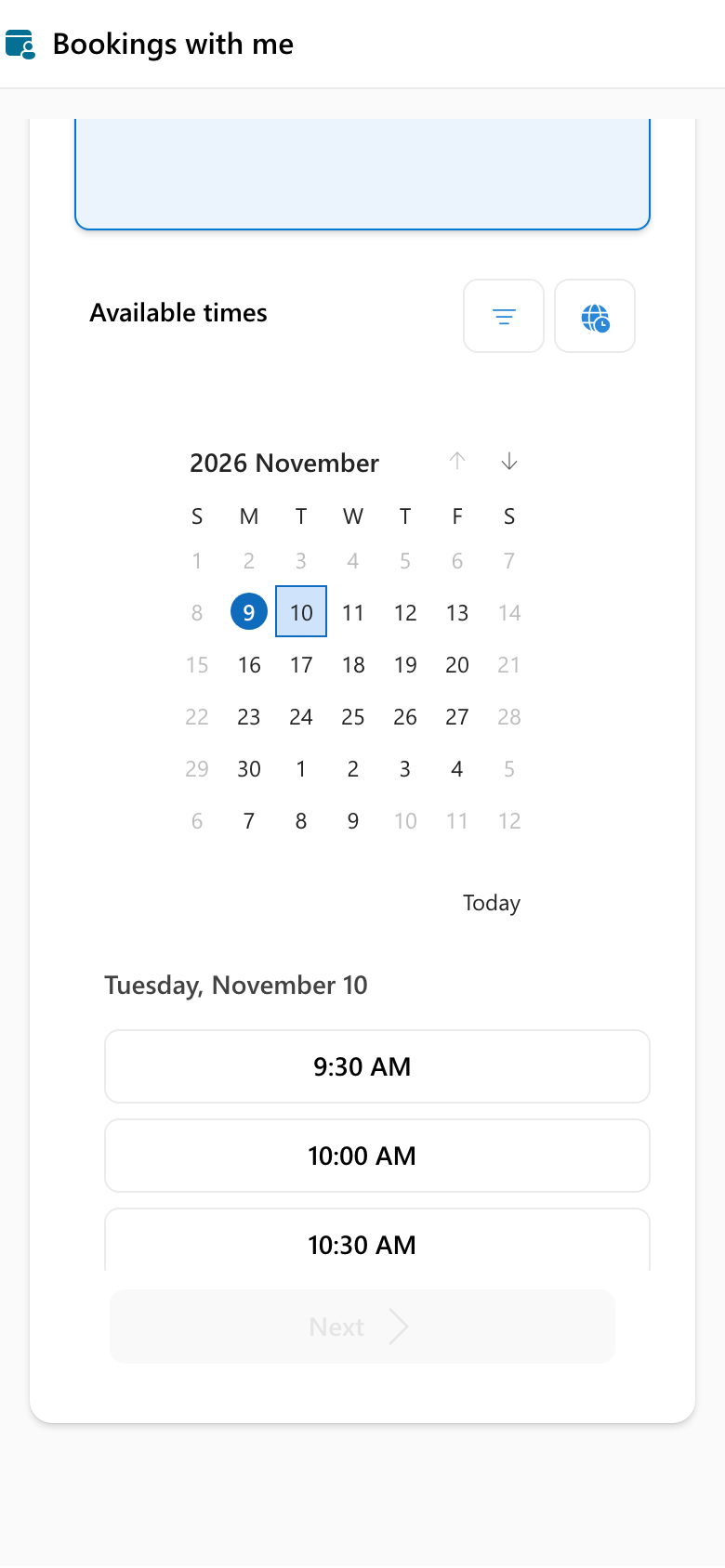
Tested on the review site: tapping "Book a Virtual Call" on a phone opens David's booking page in a new tab. Microsoft first asks visitors to sign in or continue as a guest. After "Continue as guest", the 30-minute consultation calendar shows real available times. (We stopped there and didn't book anything.)
1 · Tap on review site2 · New tab opens3 · Continue as guest
03
Automated confirmation email
Tested
"Is the confirmation email integrated? Where can we edit the messaging in Sanity, and can we test it before launch?"
It's integrated. Every successful enquiry sends two emails: one to your inbox with the full enquiry, and a confirmation to the visitor. Both are set up on the review site now.
Until now the visitor's email was fixed text in the code, and everyone got the same message:
Current confirmation email
Subject: We have received your enquiry — Saayman Attorneys
Thank you for contacting Saayman Attorneys.

We have received your enquiry and will be in touch within 24 hours via email.

Kind regards,
Saayman Attorneys
Now you can edit it in Sanity, and it can be personal. Open Contact in Sanity and fill in the new Confirmation email section (Subject and Message). Wherever you type one of these placeholders, the visitor's own details are filled in:
{name}: the name they entered
{discipline}: the service they chose, for example Commercial Law
{jurisdiction}: South Africa, New York, or South Africa and New York
If you leave both fields empty, the current message above is sent.
Sample message now in Sanity (reword it any time)
Subject: Thank you, {name}. We have received your enquiry
Hi {name},

Thank you for your enquiry about {discipline} ({jurisdiction}). We have received it and will be in touch within 24 hours via email.

Kind regards,
Saayman Attorneys
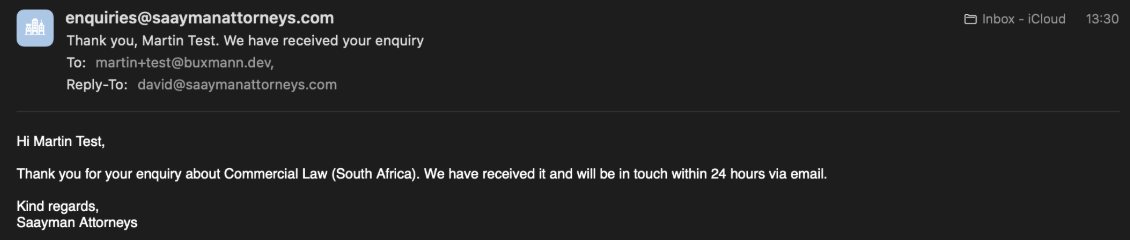
Tested on 9 November. We submitted the real form on the review site as "Martin Test", choosing South Africa and Commercial Law. The confirmation below arrived with every placeholder filled in. Replies go to david@saaymanattorneys.com, and the full enquiry was sent to the firm's inbox marked "TEST ONLY".
You can run the same test yourself: submit the form on the review site with your own email address. The firm's inbox will receive a copy too.
Received confirmation email
04
XML sitemap
Already done
"Could you configure an automatically generated sitemap for all published pages and articles?"
This is already built. The sitemap is regenerated every time you publish in Sanity, and it includes the main pages, every discipline page, every published article and the approved legal pages. Any page set to "noindex" in Sanity is left out.
On the review site the sitemap is empty on purpose, and search engines are told not to crawl it, so Google doesn't index a duplicate of your site. Once the site is live, submit this address in Google Search Console: https://saaymanattorneys.com/sitemap.xml
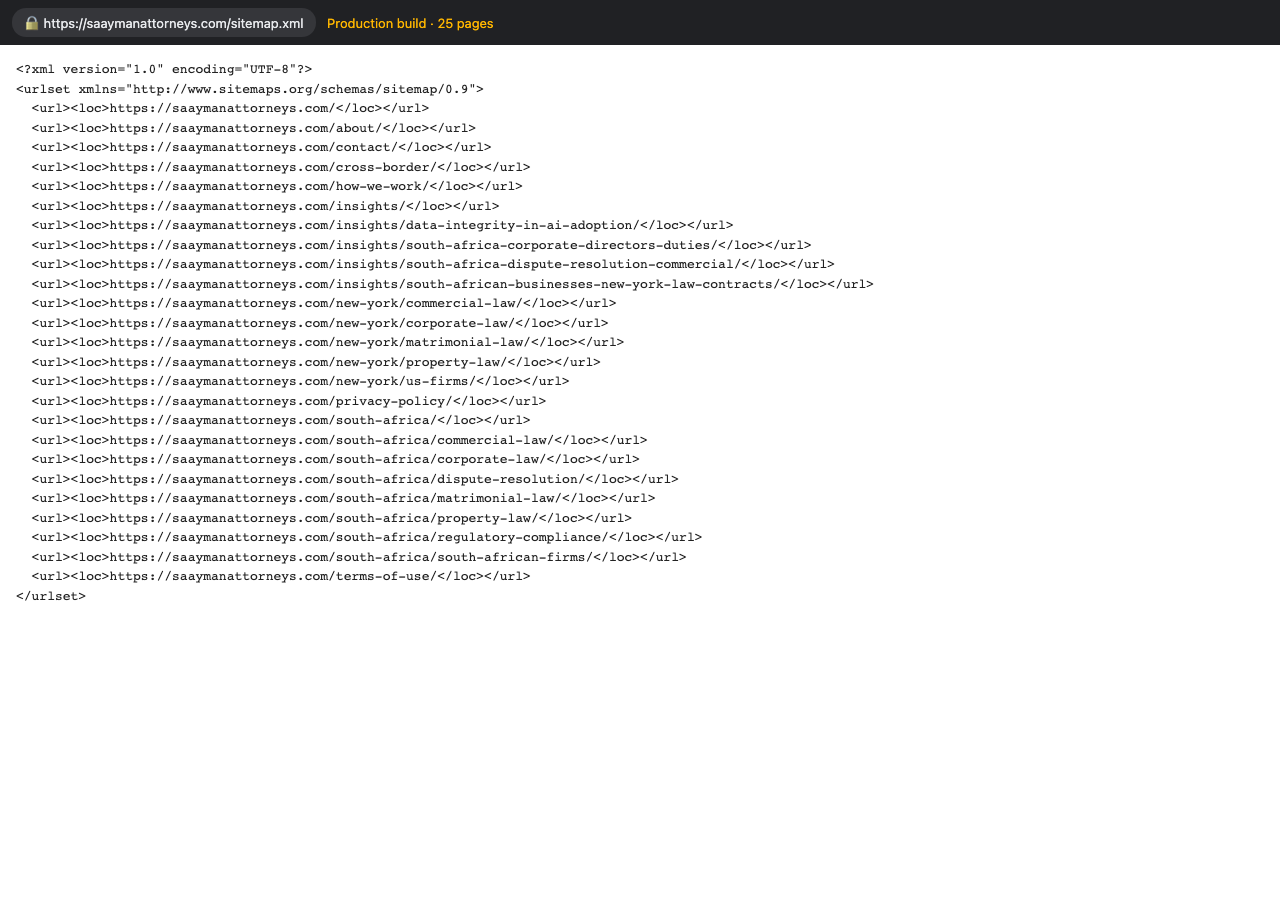
Proof: below is the sitemap our production build generates today from your published Sanity content: 25 pages, including every discipline and article. It's served at the address above once the site launches.
Sitemap from the production build
05
Google Tag Manager and form tracking
Changed
"Could you install GTM-TTXCWJN9? We'd also like to track successful consultation form submissions."
GTM-TTXCWJN9 is now on every page. When someone submits the consultation form and our server confirms it was received, the site sends this event to Tag Manager:
Event name: consultation_form_submit
Extra details: jurisdiction (sa, ny or cross-border) and discipline (for example commercial-law)
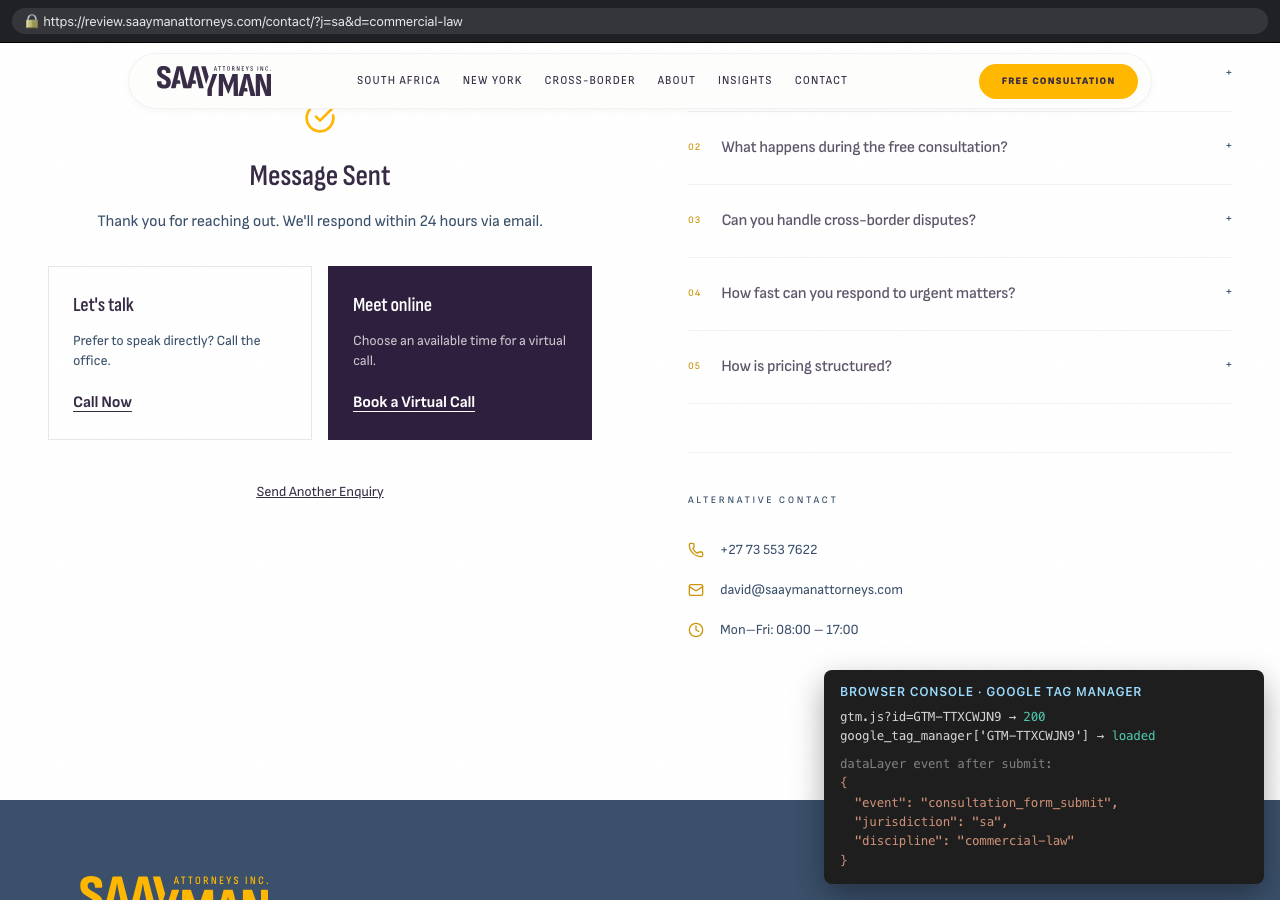
No names, emails or messages are sent to Google. We tested this on review: a form submission sent the event to Tag Manager with jurisdiction: sa and discipline: commercial-law. The screenshot below shows the confirmation screen after submitting, with what the browser recorded: your container loading, and the event it received. For this screenshot we faked the server's reply in the browser, so no extra test email was sent. To count it in GA4, add a Custom Event trigger in Tag Manager for consultation_form_submit and connect it to a GA4 event tag, then mark that event as a key event in GA4. Tag Manager is also on the review site, so you can test it there with GTM's Preview mode before launch.
After submitting the form on review
06
Favicon
Need file
"Update to the new version. Circular is preferred."
Both images we received are 100 × 100 pixels. That's too small for a sharp icon on phones and in Google results, which use up to 512 pixels. Please send the circular version as an SVG, or as a PNG of at least 512 × 512 pixels. We'll set up the circular icon as soon as we have it.
07
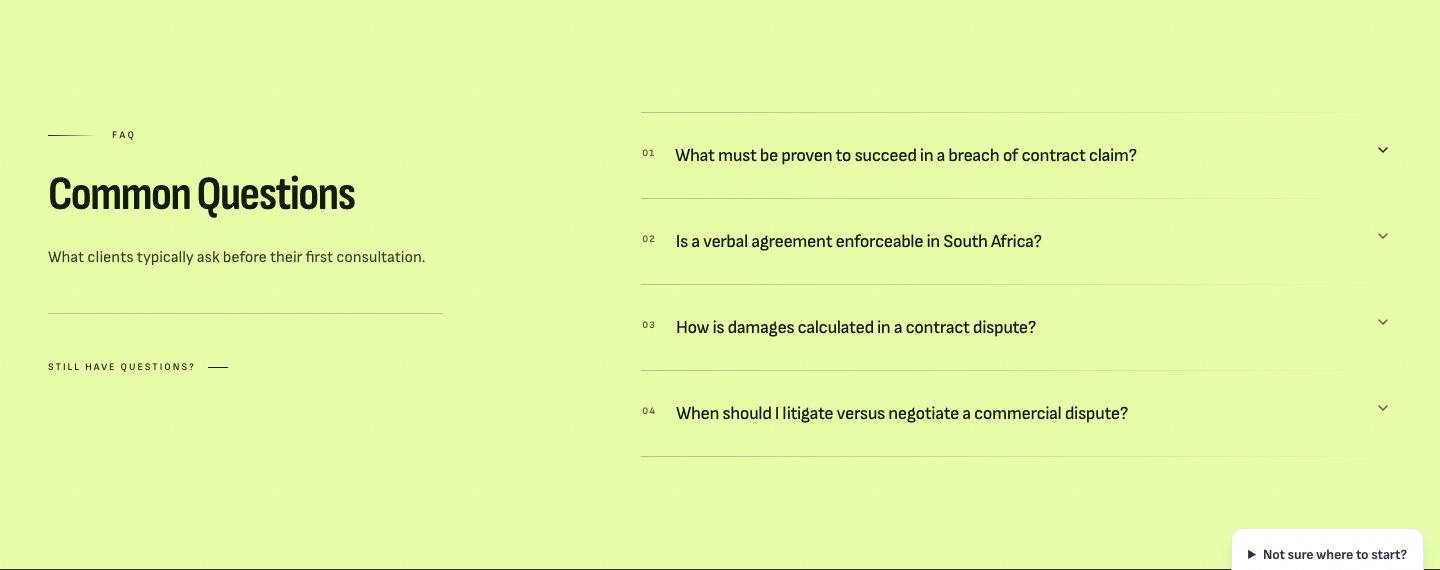
Discipline page FAQs in light green
Changed
"Change the background to light green #E6FFA8, with black/readable text."
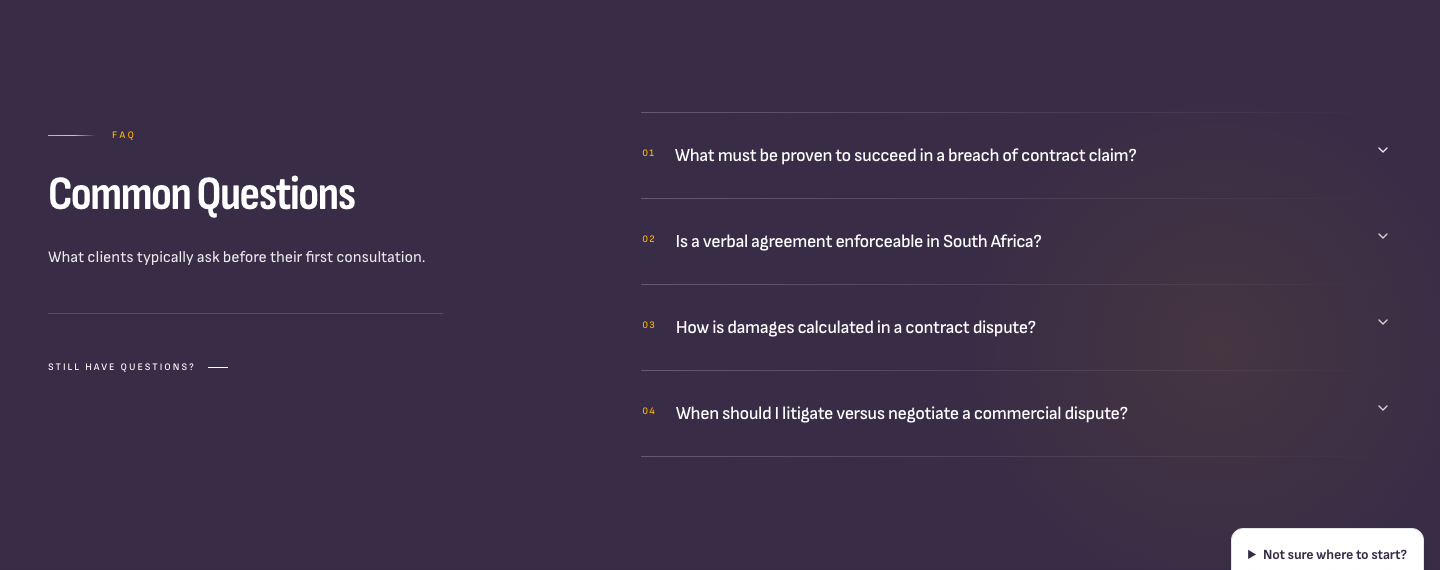
The FAQ section is now #E6FFA8 with near-black text. The gold question numbers and gold arrow would be hard to read on light green, so those are dark now too. This FAQ design is also used when you add reusable FAQs to other pages in Sanity, so those will match.
BeforeAfter
08
Get in Touch section in #382C46
Changed
"Change the background after the FAQs on all discipline pages to darker purple #382C46."
This section is now exactly #382C46 on every discipline page. It was already a very close shade, so the two screenshots look almost the same. The difference you'll notice on the page comes from #7: the FAQ above it is now light green instead of purple, so this section stands out on its own.
BeforeAfter
09
Light grey sections now light green
Changed
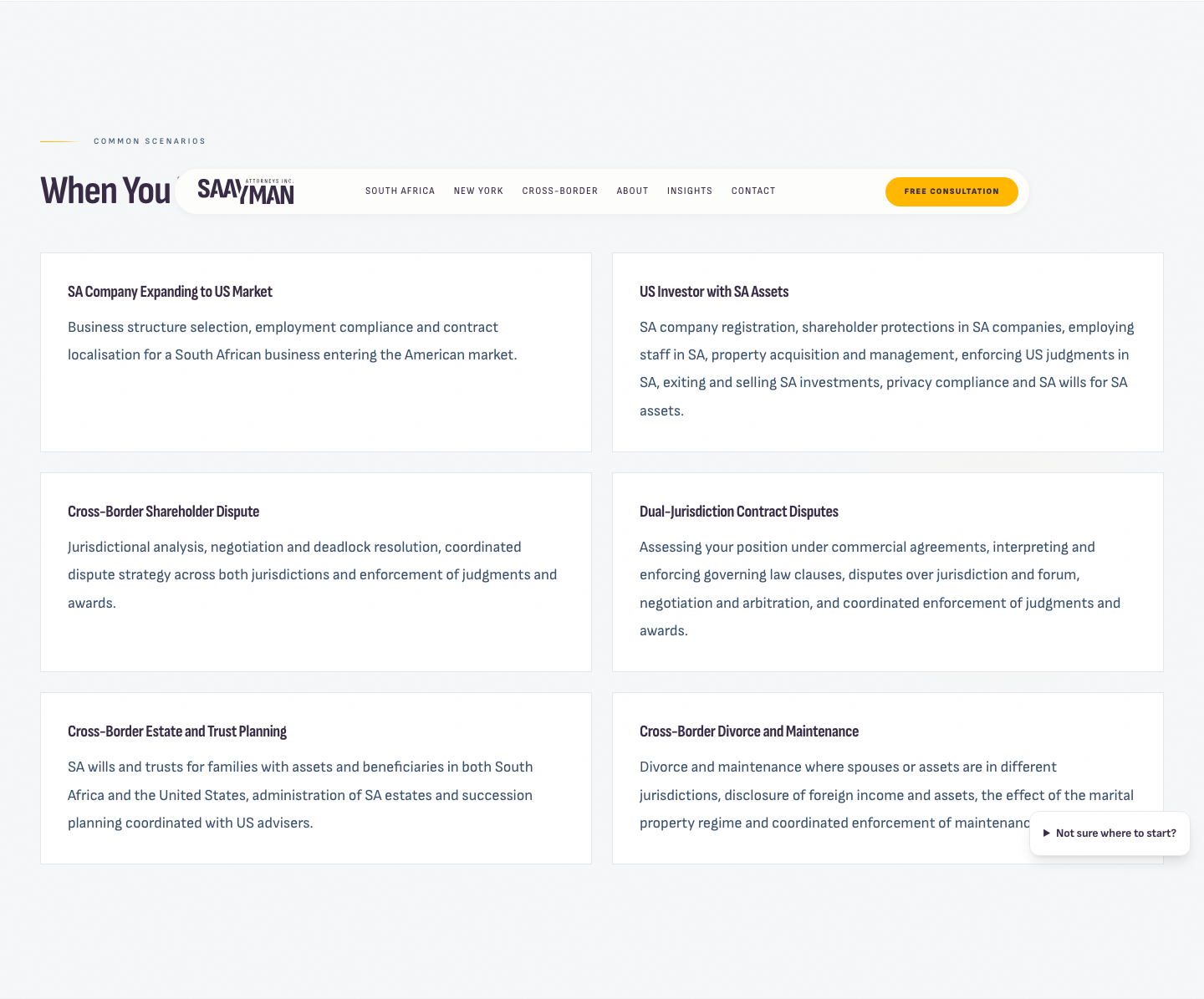
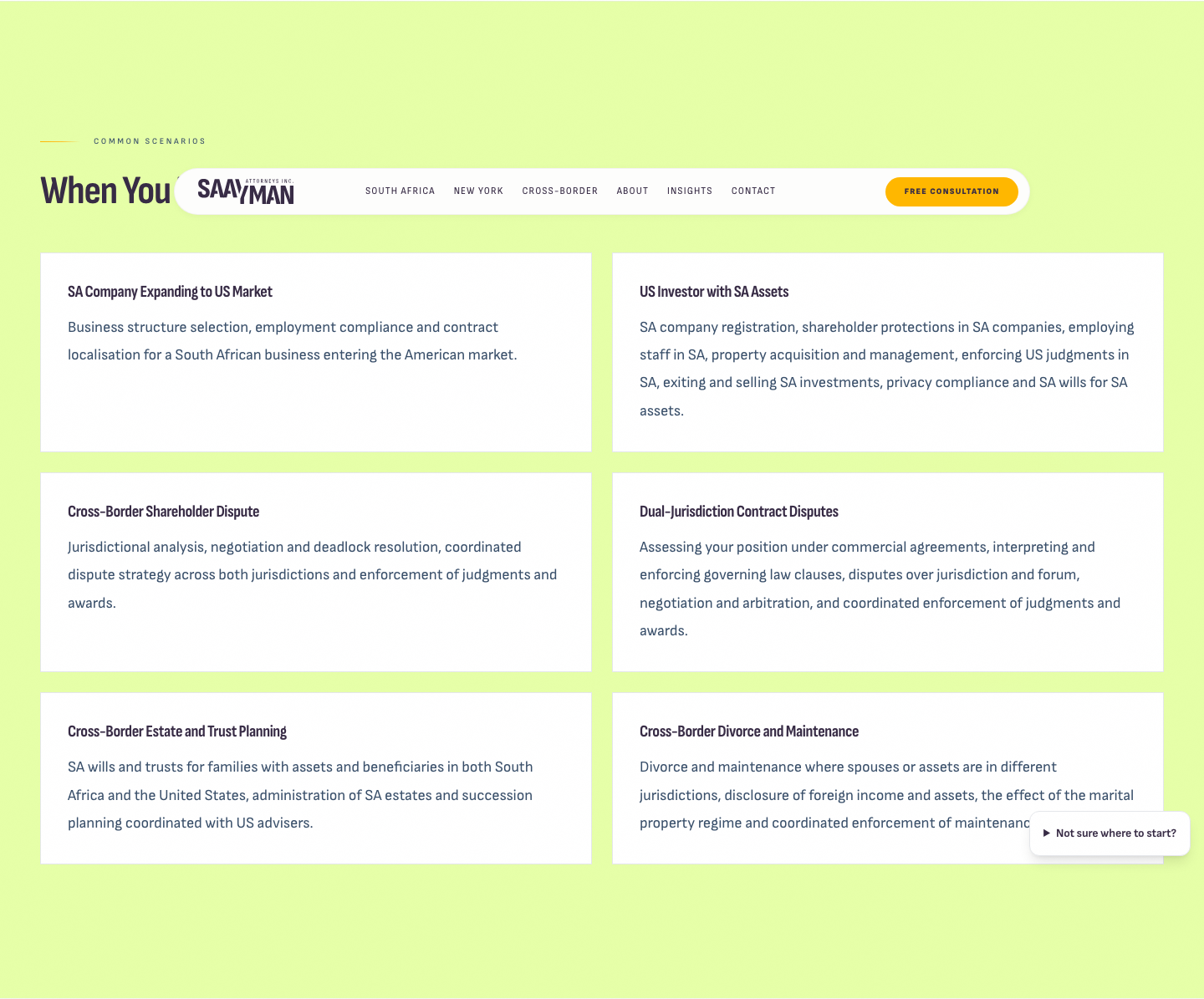
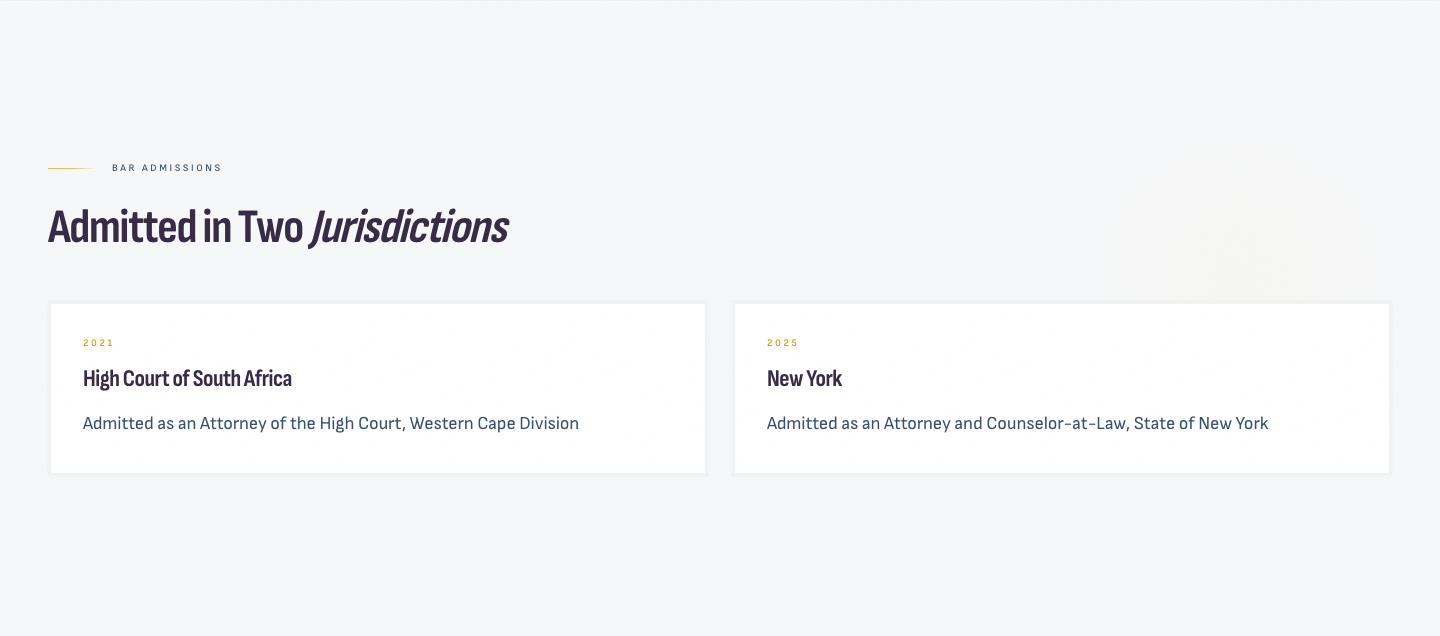
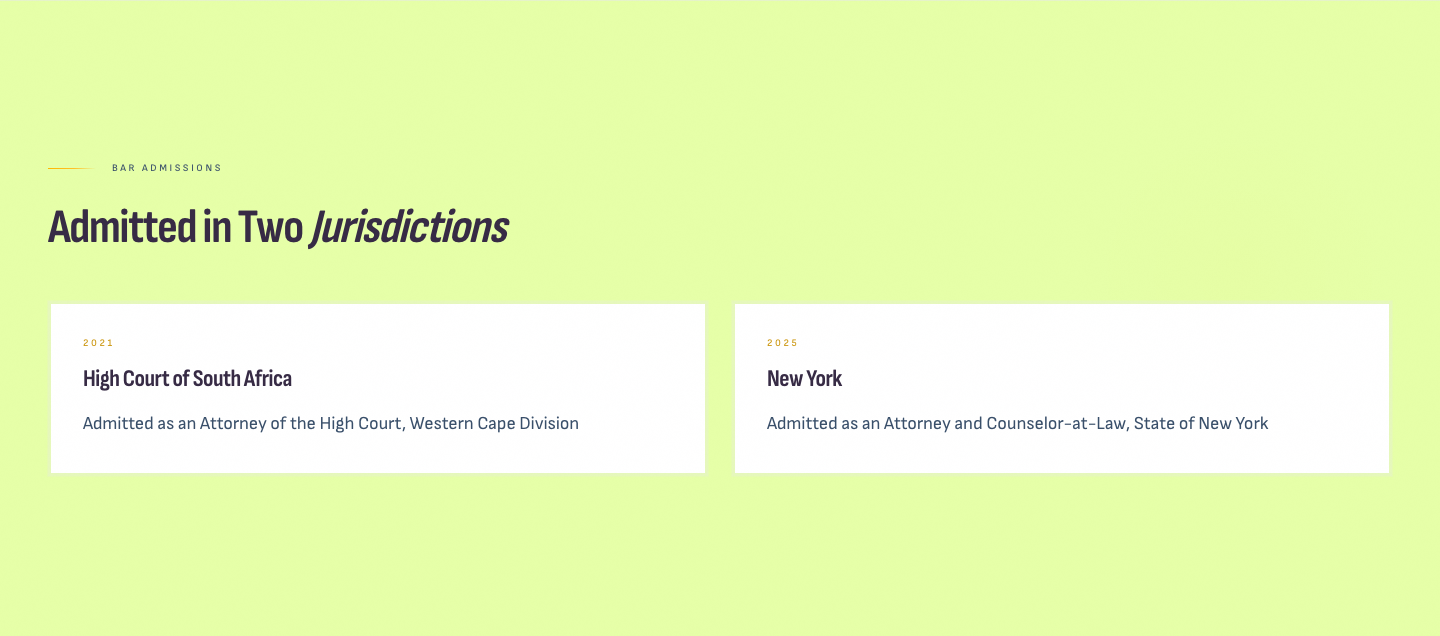
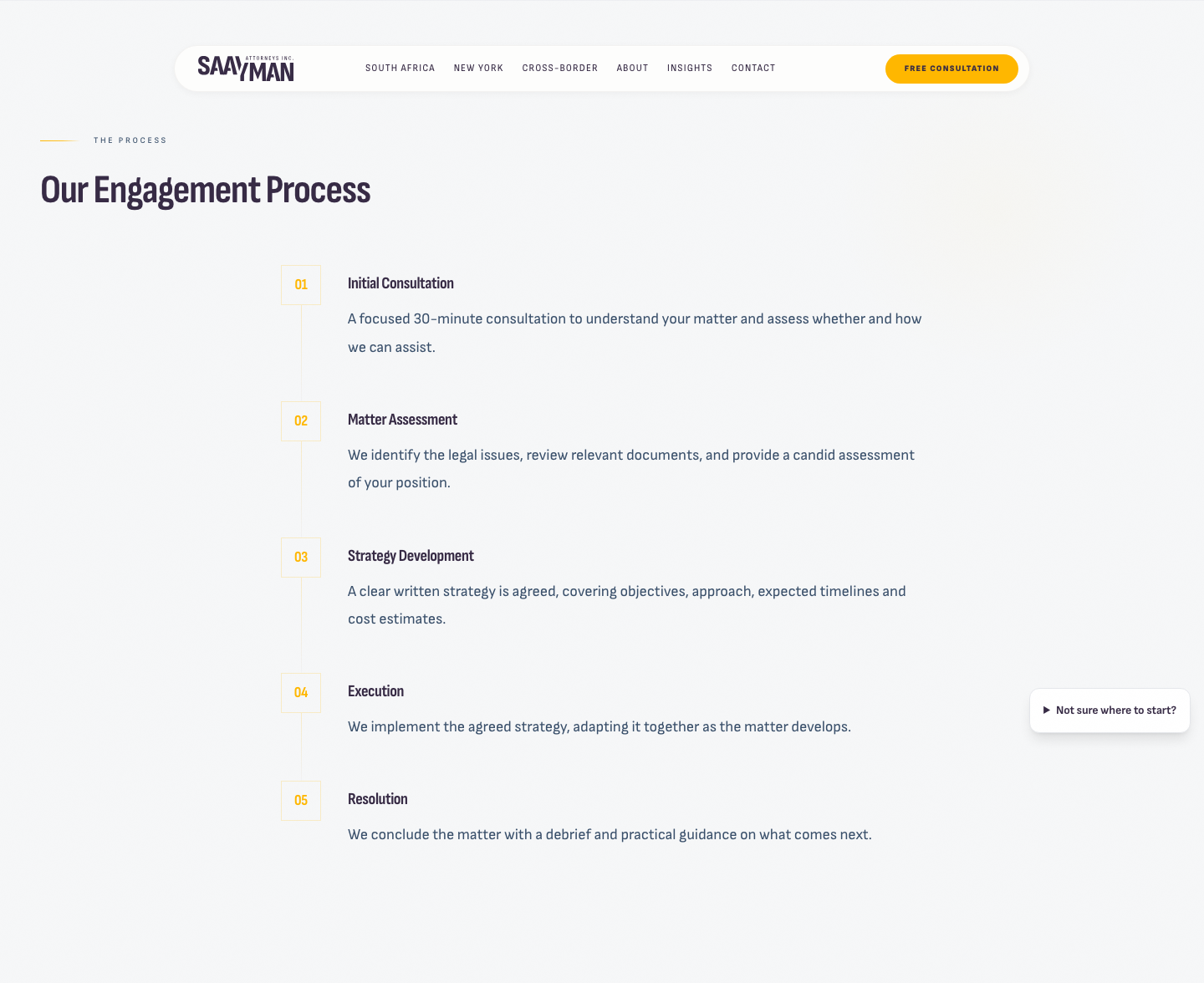
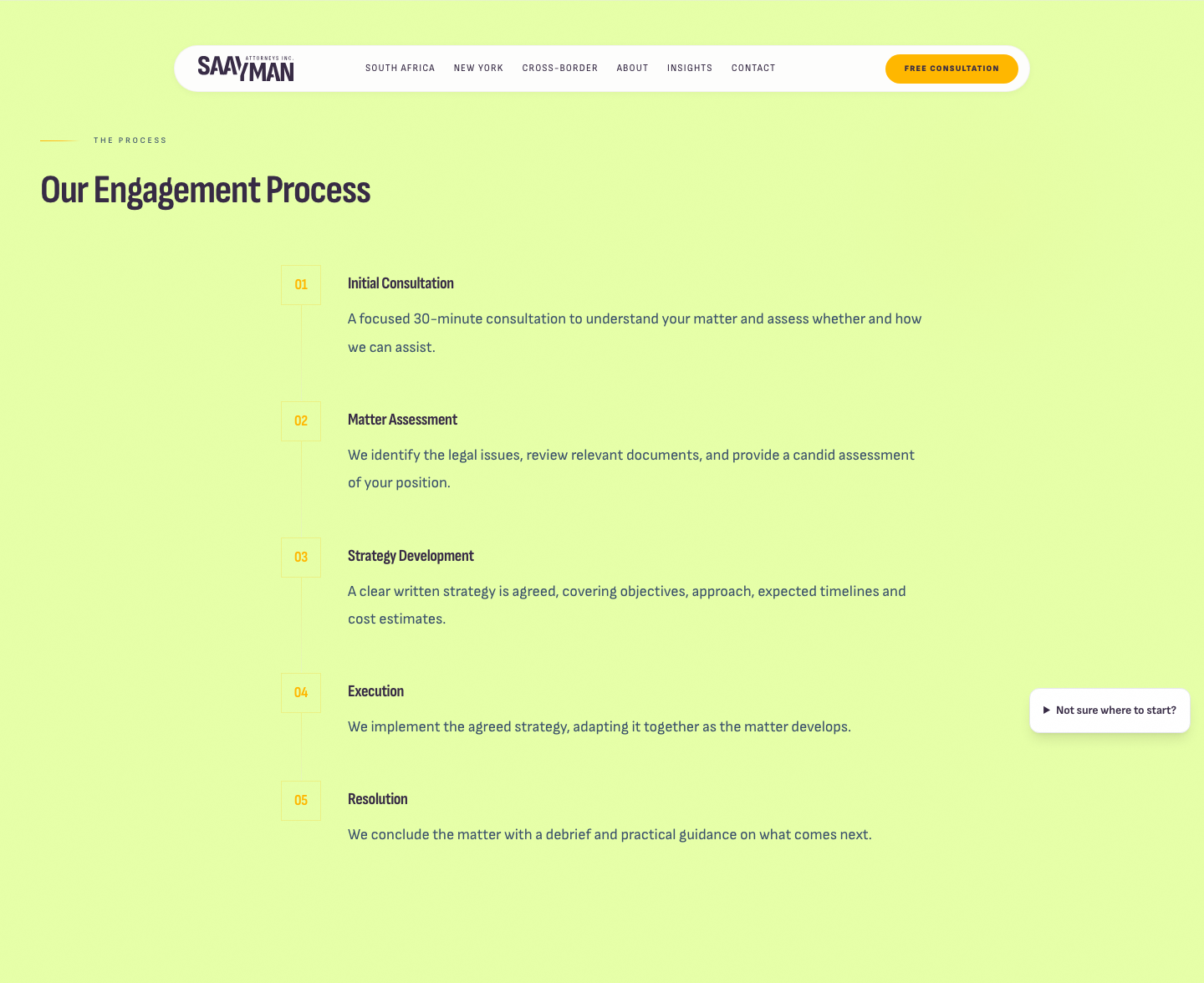
"Replace the existing light grey backgrounds with light green #E6FFA8, including on the Cross-Border and About pages."
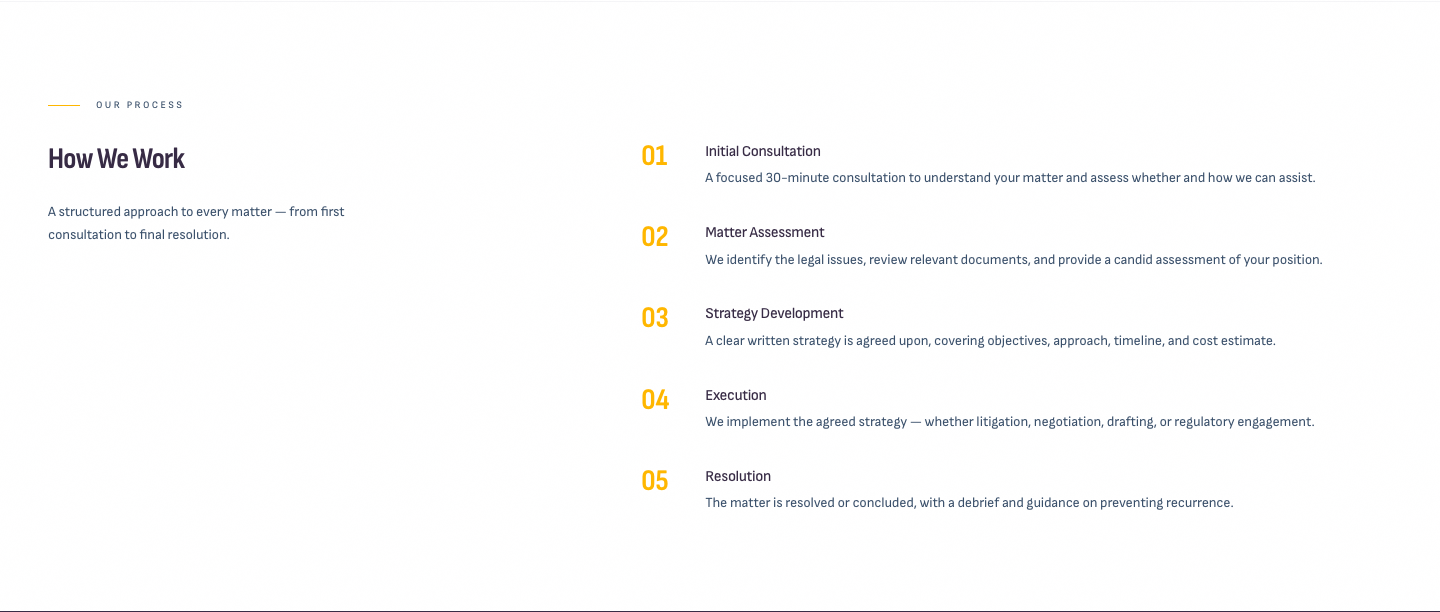
Every light grey section is now #E6FFA8: one on Cross-Border, one on About, and two on How We Work. The white cards inside them stay white, which keeps them easy to read. (In the Cross-Border after shot, the menu bar over the heading is just the sticky header caught by the screenshot.)
Cross-Border · When You Need Cross-Border Counsel
BeforeAfter
About
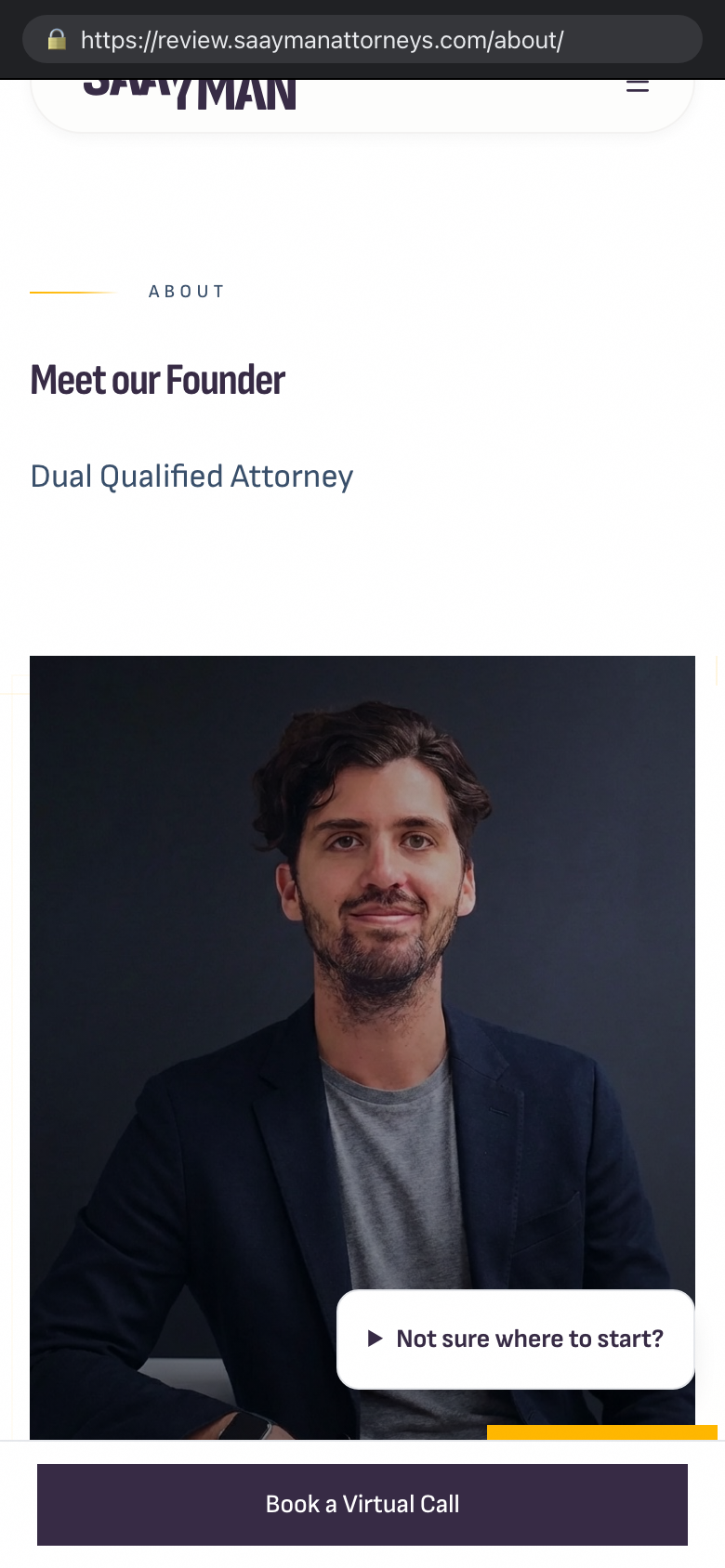
BeforeAfter
How We Work
BeforeAfter
10
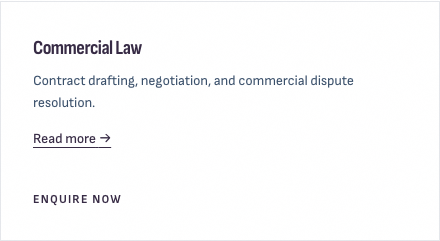
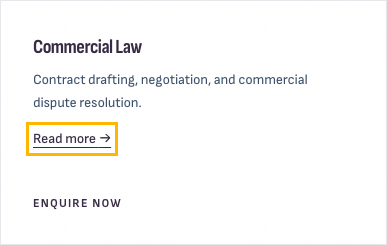
"Read more →" on discipline cards
Changed
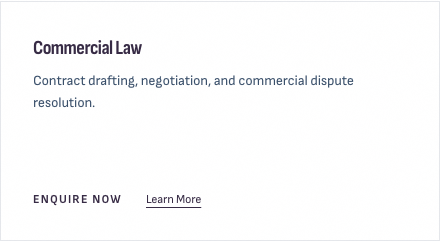
"Could we add a 'Read more →' link directly below each card description, linking to the relevant discipline page? Ideally managed in Sanity. Keep the existing 'Enquire Now' CTA at the bottom."
Each card on the South Africa and New York pages now has "Read more →" directly under its description, and "Enquire Now" stays at the bottom.
Managing it in Sanity: every discipline has a new field, Card "Read more" link. Leave it empty and the link goes to that discipline's own page, which is right in most cases. Enter a path such as /insights/ or a full https address to send it somewhere else.
BeforeAfter
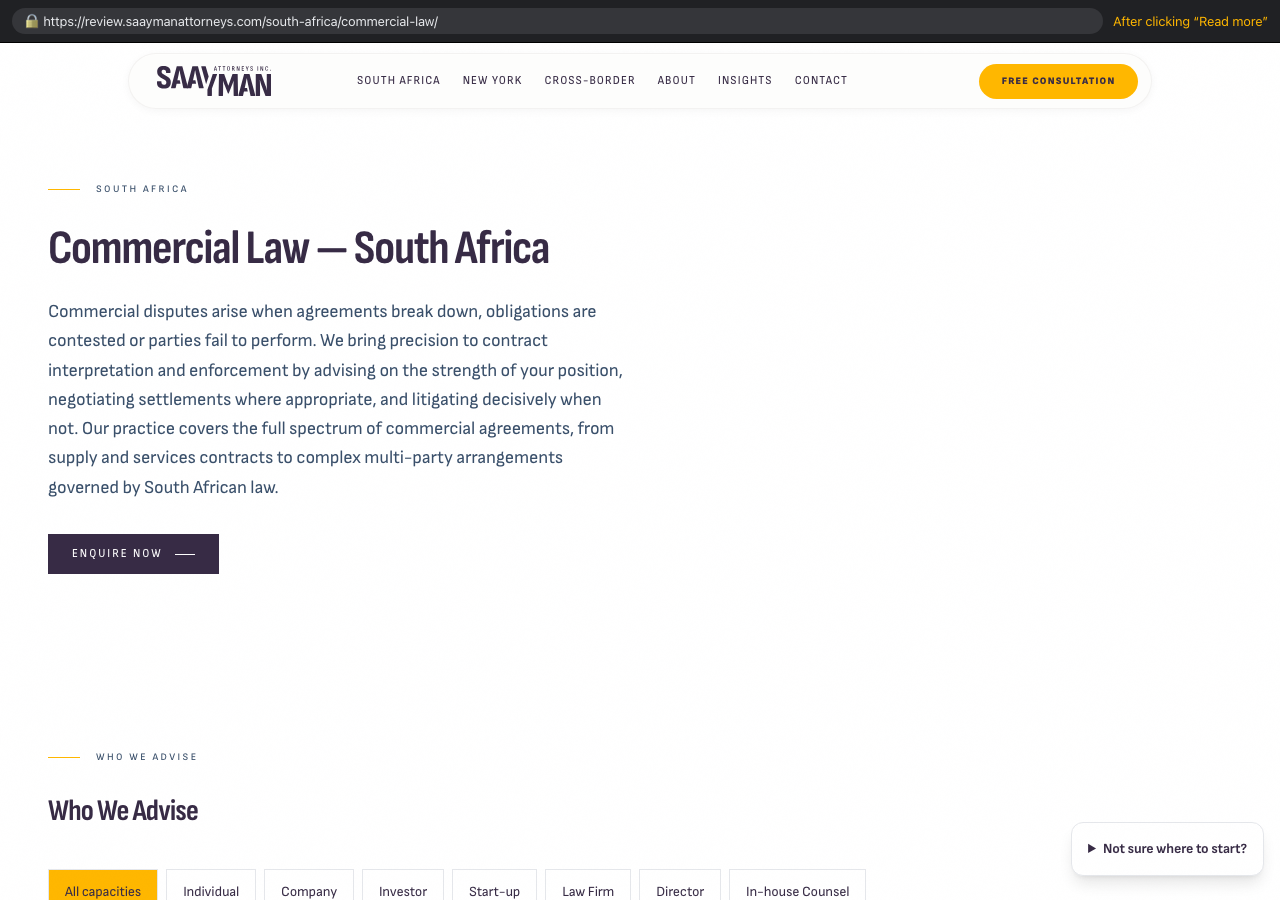
Clicking "Read more" on the Commercial Law card opens the Commercial Law page:
ClickLands on
11
Cross-border sticky widget
Changed
"How do we control which pages this appears on? Ideally all mobile landing pages but not on forms. Possible per page through Sanity?"
How it's controlled today:
Whole site: Sanity → Site settings → Cross-border sticky widget → "Show by default". This is where you also edit its heading, text and link.
Per page: Sanity → Page SEO & Sections → create an entry for the page's address (for example /about/) and set "Show cross-border widget" on or off. That overrides the site-wide setting for that page only.
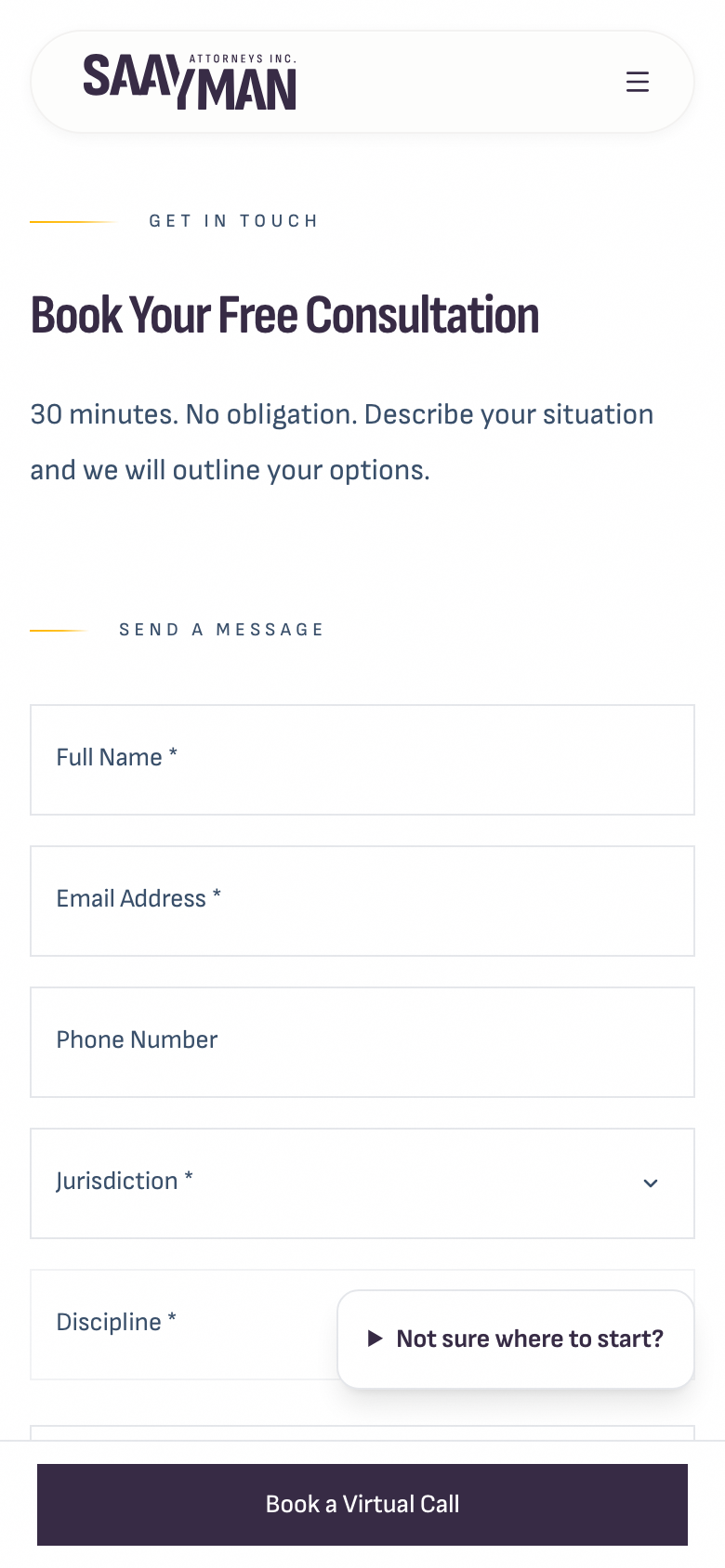
What we changed: the widget never appears on the consultation form page, whatever the settings say. On mobile it was covering the form fields, as the before screenshot shows.
It currently shows on desktop as well as mobile. If you'd like it on mobile only, that's a quick change. See question 2 below.
BeforeAfter: form pageOther pages: still shown
12
How We Work em dash
Changed
"Could we remove the em dash from the recurring description on the discipline pages, or make this text editable in Sanity?"
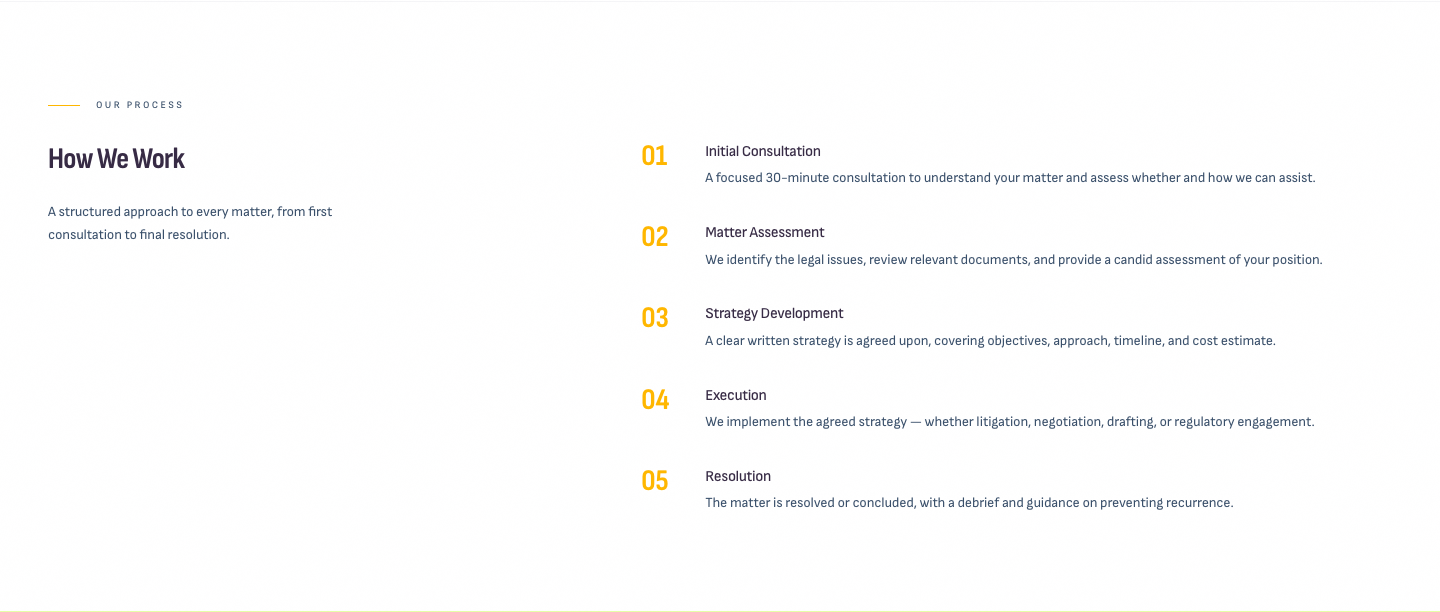
The default intro now reads "A structured approach to every matter, from first consultation to final resolution." It was already editable per discipline in Sanity, under Section headings and descriptions → Process introduction. If that field is filled in, your text replaces the default.
One more em dash: step 04, "Execution", reads "We implement the agreed strategy — whether litigation, negotiation, drafting, or regulatory engagement." That text is content in Sanity on all 14 disciplines, under Process. You can edit it there, or we can update all 14 for you. See question 3.
BeforeAfter
Over to you
Questions before launch
Favicon file (#6)Please send the circular icon as an SVG, or as a PNG of at least 512 × 512 pixels.
Cross-border widget on desktop (#11)Should it show on mobile only, or on both mobile and desktop (never on the form page)?
Step 04 em dash (#12)Would you like us to rewrite "Execution" on all 14 disciplines? Suggested text: "We implement the agreed strategy, whether through litigation, negotiation, drafting or regulatory engagement."
Test enquiry received? (#3)David, please confirm that an email titled "Website enquiry" from Martin Test, marked TEST ONLY, arrived in david@saaymanattorneys.com. That's the copy you'll get for every real enquiry.
Booking sign-in step (#2)Microsoft Bookings asks visitors to "Sign in or continue as guest" before showing your calendar. If you'd rather they went straight to the calendar, check your Bookings page settings in Microsoft 365. Nothing needs to change on the website.
Cookie consent (#5)Google Analytics sets cookies. Under POPIA, do you want a cookie consent banner, so analytics only runs after a visitor accepts? It isn't included yet. We can add it before or after launch.
Your confirmation email wording (#3)A sample message is live now. Reword it under Contact → Confirmation email in Sanity, or send us your wording and we'll add it.
What happens next
Done: these changes are live on review.saaymanattorneys.com, along with the new Sanity editor fields.
You review the site and answer the questions above.
We add the favicon and any final changes from your answers.
Launch: we switch saaymanattorneys.com to the new site, then you submit the sitemap in Google Search Console.